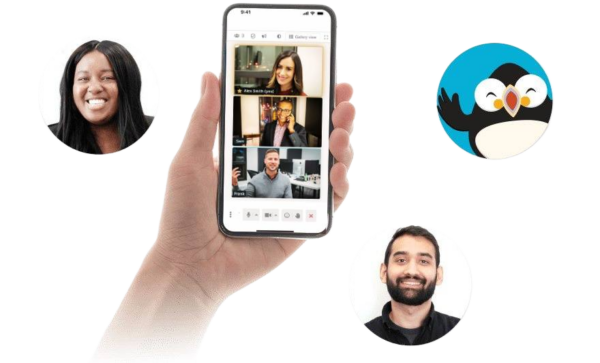

With FreeConference video conferencing app for Android, users can take part in virtual meetings without being tied to a desk. Our conference calling and online meeting tools give Android users a practical way to manage team check-ins, client calls, remote interviews, project discussions, training sessions, study meetings, and everyday conversations from virtually anywhere. Whether you are joining from home, between appointments, while traveling, or away from your computer, FreeConference helps make communication more accessible. Our Android meeting experience supports real-time conversations so users can stay connected without adding unnecessary complexity to the call.
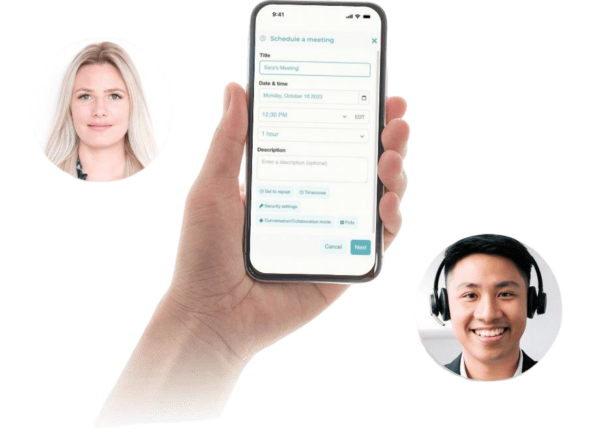


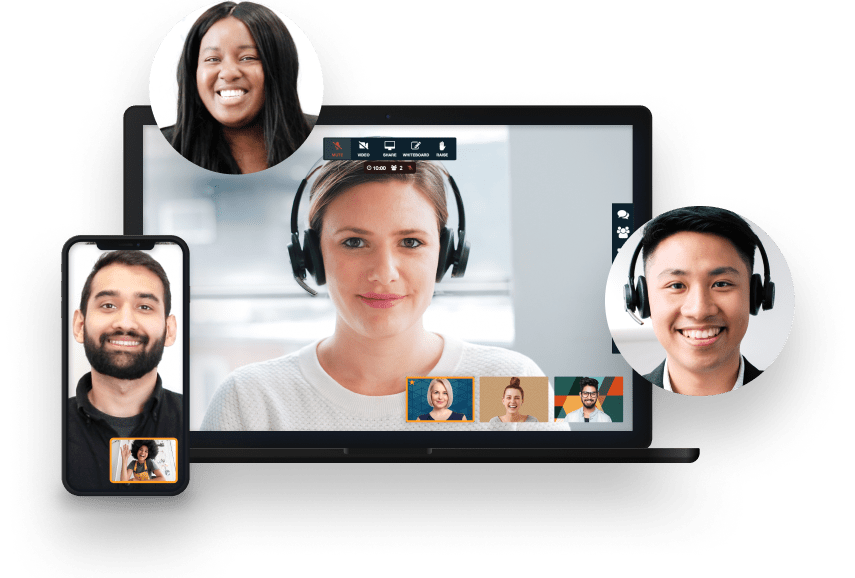
Your meeting session comes with all the tools you need to make an engaging and uplifting experience.

Test your microphone, audio, video, and internet connection with the handy Call Diagnostic Tool.

Have participants join your session worldwide with numbers available in 20+ countries. Including Nigeria, Canada, and much more..

Keep your conference calls clear, uninterrupted and organized with moderator controls.

Upload your contacts for the fastest, easiest conference call set up ever.

At FreeConference, we’re always happy to help. Check out 0ur FAQ page. Or if you can’t find what you’re looking for, create a ticket.
Yes. FreeConference includes security features that help Android users host and join virtual meetings with greater confidence. Whether you are connecting with coworkers, clients, candidates, classmates, partners, or remote teams, a more controlled meeting environment helps keep online conversations professional and organized.
Our video conferencing app for Android supports secure audio and video connections, helping protect live meetings while participants communicate in real time. This is useful for people who rely on Android devices for work calls, interviews, training sessions, client conversations, project updates, and everyday collaboration.
FreeConference also includes host controls that help meeting organizers manage who joins and how the call is run. Features such as access codes, entry controls, and meeting lock options can help limit attendance to invited participants. For users comparing free video conferencing apps for Android, these controls help create a more private, structured, and reliable meeting experience.
Moderator tools also make it easier to guide discussions, manage participants, and keep meetings on track from start to finish. Whether you are hosting a quick check-in or a larger virtual meeting from your Android phone or tablet, FreeConference helps support clearer communication with practical controls built into the meeting experience.
Yes. FreeConference offers recording capabilities that help Android users save important virtual conversations for later review, sharing, and follow-up. For people using a video conferencing app for Android, recording can be useful for team meetings, client calls, remote interviews, training sessions, presentations, project discussions, and class conversations.
Recording can help make important information easier to revisit after the meeting ends. Android users may use it to review decisions, share updates with people who could not attend, return to presentation details, or keep a clearer record of the conversation.
Recording availability may depend on the plan, so users should review FreeConference plan details before choosing the right option for their meeting needs. For anyone comparing free video conferencing apps for Android, it is helpful to understand which recording features are included and which may be available through upgraded options.
Once recording is enabled, meeting hosts can typically manage it from the online meeting interface. After the session ends, saved recordings can generally be accessed through the account dashboard, where they may be reviewed, downloaded, or shared with the right participants.
FreeConference gives Android users a flexible way to host and join online meetings from a phone or tablet. When using a video conferencing app for Android, having enough time to talk through the agenda, answer questions, and collaborate without feeling rushed can make virtual meetings more useful.
Some conversations only need a quick check-in. Others require more time for presentations, project updates, interviews, training sessions, client discussions, or group collaboration. FreeConference helps support different meeting formats so Android users can stay connected whether the conversation is brief or more detailed.
Meeting duration can depend on the plan and meeting type selected, so users should review FreeConference plan details and available meeting limits before choosing the best option. For anyone comparing free video conferencing app for Android, understanding meeting length, access options, and platform features can help create a smoother experience.
The number of participants who can join a FreeConference meeting depends on the plan and meeting type selected. Android users may need a video conferencing app that supports both smaller calls and larger group meetings, so participant capacity is an important detail to review before setting up a meeting.
FreeConference can support a range of virtual meeting needs, whether you are joining a one-on-one client call, hosting a team check-in, attending a remote interview, leading a project discussion, participating in a training session, or running a larger online presentation. The ability to support different meeting sizes makes our platform useful across many everyday communication needs.
Flexible joining options, including online access and dial-in participation, can also make meetings easier to attend for people with different devices, internet connections, or technology preferences. This is especially helpful when participants are joining from different locations or need a simple way to connect from an Android phone or tablet.
For larger meetings, users should review available FreeConference plans and participant limits to make sure the selected option fits their needs. Overall, FreeConference gives Android users a practical way to host everything from focused conversations to broader virtual meetings with greater ease.

