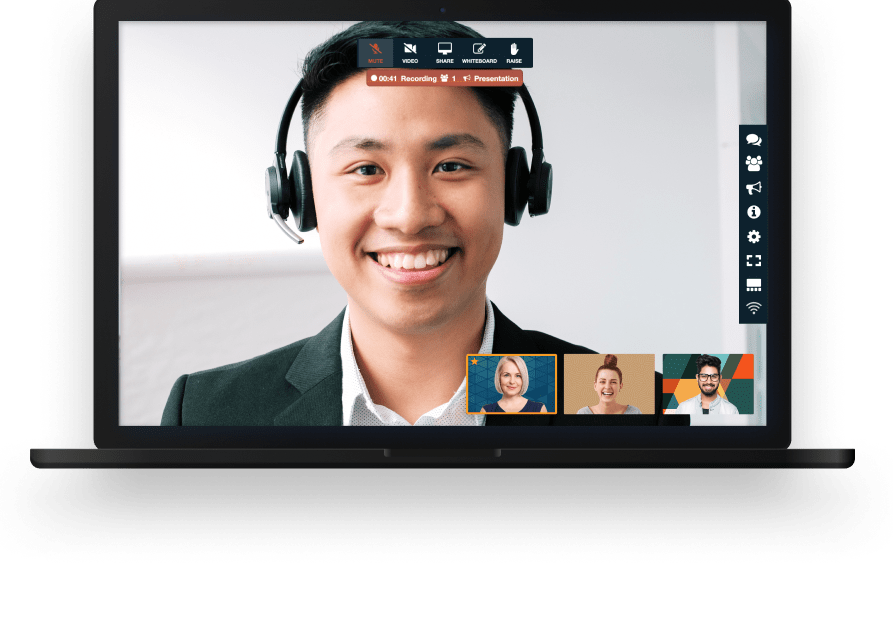

With FreeConference video conferencing software for finance, advisory firms, accounting practices, mortgage brokerages, insurance agencies, credit unions, and in-house finance departments can meet the people they work with on any given day. Our conference calling and virtual meeting tools give financial professionals a straightforward way to run quarterly portfolio reviews, tax document walkthroughs, loan and mortgage application calls, month-end close sessions, audit fieldwork, benefits and retirement plan briefings, budget meetings, and investor updates. Money conversations already carry enough friction. The meeting itself should not add more, and FreeConference keeps the setup light so the discussion can start on time.
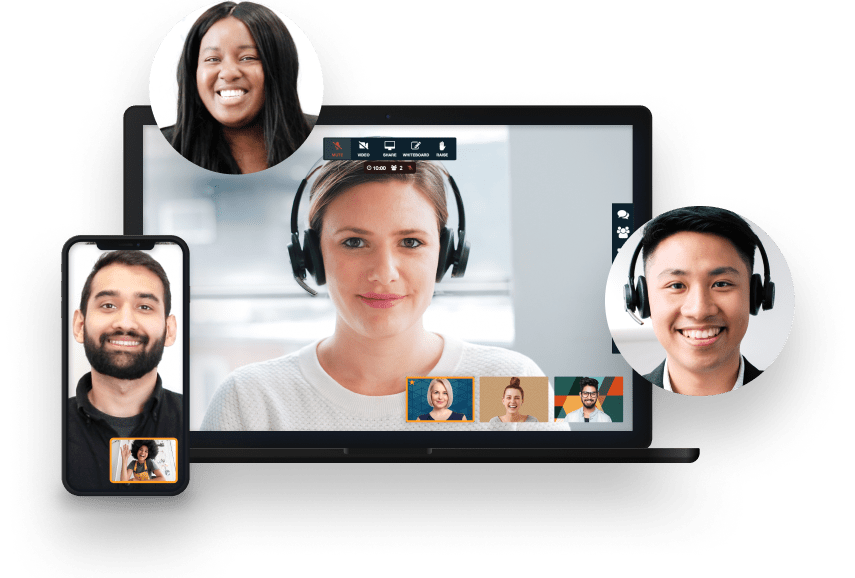
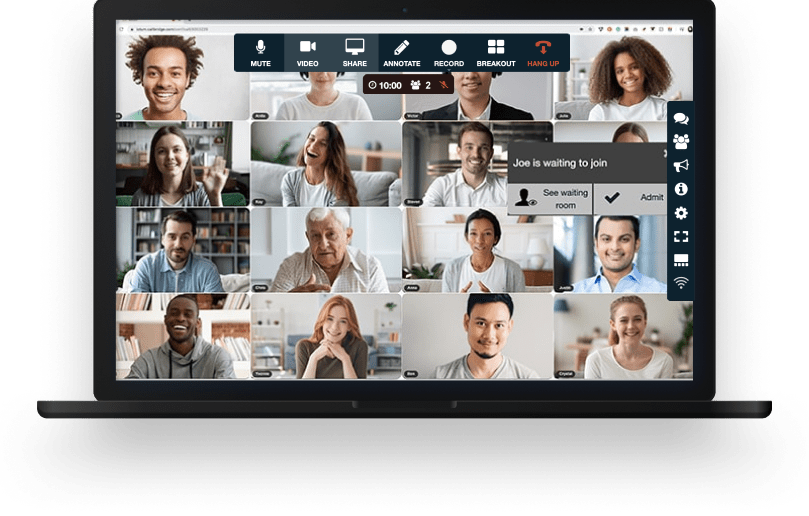


Your meeting session comes with all the tools you need to make an engaging and uplifting experience.

Test your microphone, audio, video, and internet connection with the handy Call Diagnostic Tool.

Have participants join your session worldwide with numbers available in 20+ countries. Including Nigeria, Canada, and much more..

Keep your conference calls clear, uninterrupted and organized with moderator controls.

Upload your contacts for the fastest, easiest conference call set up ever.

At FreeConference, we’re always happy to help. Check out 0ur FAQ page. Or if you can’t find what you’re looking for, create a ticket.
Security is a fair first question for any firm choosing video conferencing software for finance, because the conversations involve account balances, tax records, underwriting files, and personal details that regulators treat seriously.
FreeConference encrypts voice and video between participants using DTLS and SRTP, the security protocols WebRTC relies on, and meeting chat travels over HTTPS. That matters for the plain reason that most financial regulation starts in the same place. The FTC Safeguards Rule, which covers mortgage lenders and brokers, tax preparation firms, collection agencies, finance companies, and investment advisers who are not registered with the SEC, requires customer information to be encrypted in transit or protected by controls the firm's qualified individual has approved in writing.
Host controls give the person running the meeting a say over who gets in, which is the part of finance video conferencing a compliance officer usually asks about first. Meetings use a unique access code, and paid plans add meeting lock and one-time access codes for sessions where a stray participant would be a real problem. Moderator tools let the host manage participants and keep a review or a lender call structured from start to finish. FreeConference.com also does not sell your personal information as that term is traditionally defined.
Firms registered with the SEC have their own program obligations on top of whatever video conferencing software for financial services they choose. Under the amended Regulation S-P, broker-dealers, registered investment advisers, investment companies, funding portals, and transfer agents must keep a written incident response program, notify affected individuals within 30 days of discovering a breach involving sensitive customer information, and hold service providers to a 72-hour notification window. Larger entities have been on that standard since December 3, 2025 and smaller ones since June 3, 2026. Bring your compliance lead into the decision, point them at the FreeConference privacy and security pages, and let them confirm the specific controls your program calls for.
No. FreeConference runs in the browser, so a client, a lender, a bookkeeper, or an auditor can join from a meeting link with nothing to install and no account to create. For firms choosing video conferencing for financial advisors, that removes the part of a first meeting most likely to go wrong.
It matters more in finance than people expect. A client who is already nervous about a portfolio conversation will not enjoy a five-minute fight with an installer, and an older client may simply give up and call the office instead. One link, one click, and they are in.
Participants can join from a desktop, laptop, tablet, smartphone, or an ordinary phone line, so the meeting bends around whatever the client actually owns. Mobile and desktop apps are there for anyone who prefers them, but nothing about the core meeting requires one.
That flexibility also helps on the firm's side. A branch employee, a remote preparer during tax season, or a consultant brought in for one call can join the same way, without your team walking anyone through a setup process first.
Yes, on a paid plan. Recording is available on Starter and Pro, and it is a common reason finance teams move off the free tier once they are using video conferencing for finance teams regularly.
Starter includes audio recording in MP3 with 5GB of storage, which is enough for most firms adding recording to their finance video conferencing for the first time. Pro includes audio and video recording in MP4 with 10GB of storage, plus automatic transcription, which is useful when someone needs the substance of a 90-minute close meeting without rewatching it. Hosts can start a recording with the record button on the web or by pressing star 9 from a phone.
Finance teams generally use recordings for client review summaries, internal training, handover between advisors, and reconstructing what was agreed on a lender or vendor call. Recordings and transcripts download as ordinary files, so your firm can file them in whatever books and records system it already uses rather than leaving them in a meeting tool.
One practical note. Recording a conversation with a client is a consent question in many jurisdictions, so tell participants at the start of the call and follow whatever your firm's policy already says about it.
It depends on the plan, and finance teams tend to need two different sizes. The free plan supports up to 100 callers on the phone line and up to 5 participants on video, which covers a client review, a two-advisor meeting, a lender call, or a small close session comfortably.
Starter raises the video side to 100 web participants alongside 100 callers. Pro supports up to 250 callers and up to 250 web participants, which is the plan firms reach for when they are running an all-hands finance update, a company-wide benefits or retirement briefing, or an investor call where most people want to be on camera.
Because the phone line stays generous on every plan, video conferencing software for financial services does not have to leave anyone out. A client with weak internet dials in on an audio line and takes part in the same meeting as everyone else.
If you are unsure which tier fits, start free. The meeting room is the same one, and the limits are the only thing that moves.
No. Every FreeConference plan, including the free one, allows calls of up to 12 hours, and there is no 40 or 60 minute cap of the kind that ends a meeting mid-sentence.
For finance work that is more useful than it sounds. Month-end and year-end close sessions run long. So does audit fieldwork, a systems migration review, a tax return walkthrough with a complicated return in front of you, or a due diligence call during a transaction. Being told to rejoin a new meeting halfway through any of those is a bad moment for everyone on the line.
It also removes a quiet cost. Firms that outgrow a capped free tool usually end up paying for a plan purely to buy back the clock. Free video conferencing for finance that already runs long removes that reason to upgrade, and your firm only pays when it wants something specific like recording, transcription, or a bigger room.
There is no contract either, and you can cancel any time.
Yes, and for a lot of firms this is the deciding feature. Clients in retirement, clients in rural areas, and clients who simply do not want a video call still need their annual review, and finance video conferencing should not force them onto a camera to get it.
FreeConference gives every meeting a dial-in number, with free local numbers in a range of countries and toll-free or premium international numbers available on paid plans. The caller dials in, joins the same meeting as everyone on video, and hears and speaks to the whole room. SMS messaging and PINless entry make the join simpler still, so a client does not have to key in a long code while holding a handset.
For the firm, that means one meeting instead of two. An advisor can share a statement on screen for the participants who are on video, talk the phone participant through the same figures out loud, and end with everyone on the same page.
Audio quality is where FreeConference has always been strongest, which is worth knowing when a client's entire experience of the meeting is what they hear.
Nothing to start. The free plan is free forever with no credit card, and it already covers what most small firms need from video conferencing software for finance: video meetings, screen sharing, an online meeting room, scheduling, email invitations, reminders, document sharing, meeting chat, annotation, an online whiteboard, and up to 100 callers with 5 on video.
Starter is $9.99 a month and adds audio recording with 5GB of storage, meeting summaries, higher security settings, caller ID, polling, phone support, 100 premium minutes, and access to toll-free and international dial-in numbers. Pro is $29.99 a month and adds video recording in MP4 with 10GB of storage, automatic transcription, 750 premium minutes, a calendar booking page, custom hold music, live streaming, and the 250-participant room.
A practice of two or three advisors often never leaves the free plan. Firms tend to upgrade for one concrete reason, usually recording a client review or seating a larger group on video, rather than because the free tier ran out of room.