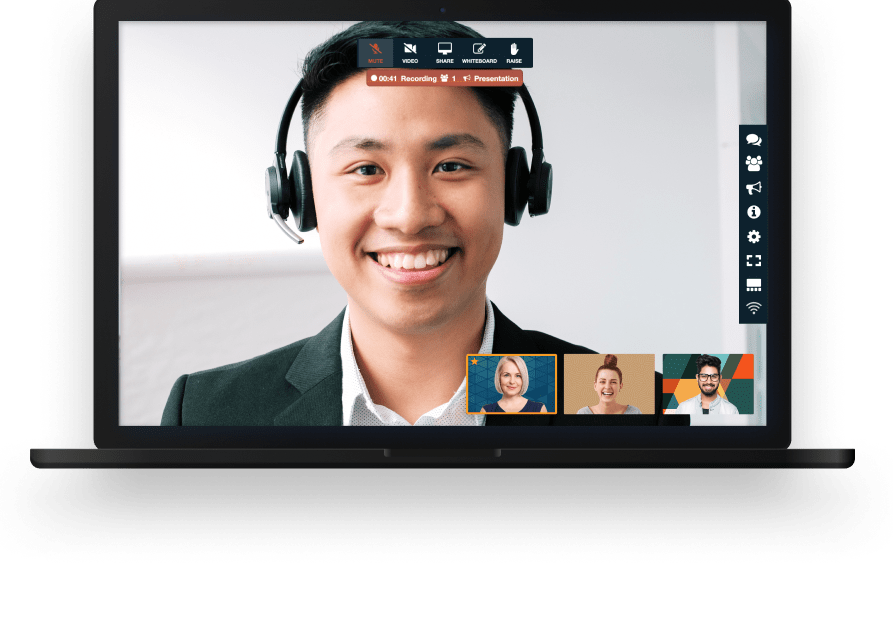

A single campaign can pull in people who never sit near each other - an in-house creative team, a media-buying agency, a freelance copywriter, a product marketer, and the client signing off on the work. FreeConference is a practical way to get all of them talking at the same time instead of trading half-answers across email and chat.
Host your weekly campaign stand-up, a launch war-room, a brand workshop, or a quick approval call in the same online meeting room. Because participants can join straight from a browser, you are not asking a client or a contractor to create an account or install anything before they can show up - you send a link, they click, and the conversation starts.
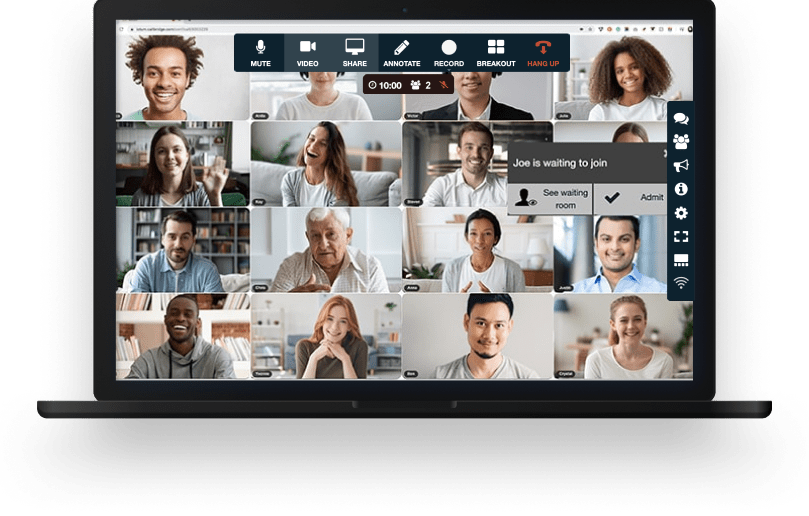


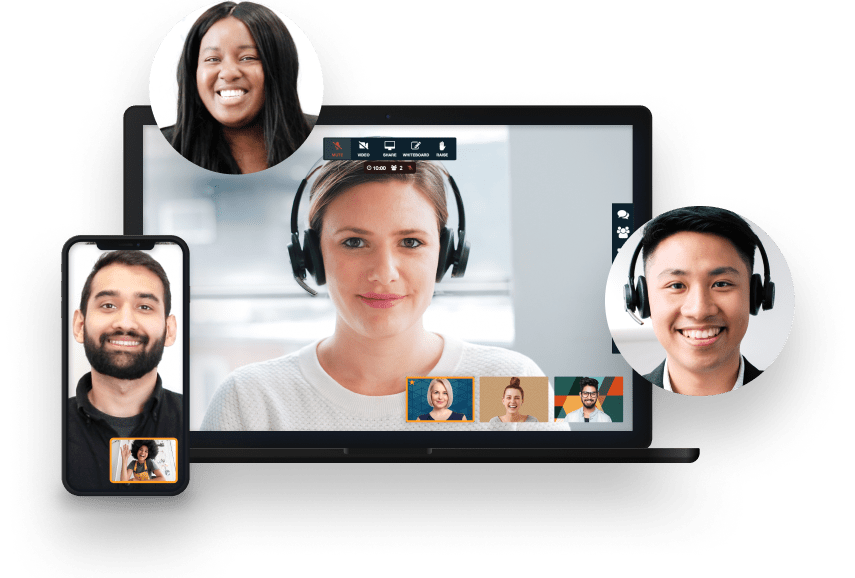
Your meeting session comes with all the tools you need to make an engaging and uplifting experience.

Test your microphone, audio, video, and internet connection with the handy Call Diagnostic Tool.

Have participants join your session worldwide with numbers available in 20+ countries. Including Nigeria, Canada, and much more..

Keep your conference calls clear, uninterrupted and organized with moderator controls.

Upload your contacts for the fastest, easiest conference call set up ever.

At FreeConference, we’re always happy to help. Check out 0ur FAQ page. Or if you can’t find what you’re looking for, create a ticket.
Pick on five things a marketing team actually feels:
FreeConference answers the first three with a browser-based, no-download join, desktop screen sharing, and no time limit, covers up to 5 on video free (with 100 on the phone line), and adds recording on a paid plan.
No. Unlike tools that cut free meetings off at 40 or 60 minutes, FreeConference does not put a short cap on your calls, so a creative workshop, a campaign kickoff, or a detailed client readout can run as long as the conversation needs. Every plan supports meetings of up to 12 hours, which is far more than any normal marketing session requires.
That matters for marketing teams because the best sessions are rarely the quickest ones. A brand workshop, a launch retro, or a quarterly planning meeting benefits from room to think, and being pushed to wrap up mid-discussion, or to restart the call because the timer ran out, breaks the momentum you are trying to build. FreeConference lets the meeting end when the work is done, not when a clock says so.
Nothing to begin. FreeConference is free forever, with no credit card required and no trial that quietly expires. The free plan includes video conferencing, screen sharing, a virtual meeting room, meeting chat, document sharing, scheduling, invitations, and reminders, enough for a marketing team to run its regular calls, reviews, and client meetings without paying anything.
Paid plans exist for teams that outgrow the free tier and want extras like recording, larger meetings, transcription, or streaming, and they start at a modest monthly price. The practical approach for most marketing departments is to start on the free plan, use it for real work, and only move up if and when a specific need appears.
Yes. Beyond straightforward calls, FreeConference includes collaboration tools that suit the messier, more creative side of marketing work - screen sharing to react to ideas together, a whiteboard for mapping a campaign or a customer journey, and meeting chat and document sharing to drop links and notes as the conversation moves.
For a team running a positioning workshop, a content-planning session, or a rapid ideation call, that combination keeps everyone building on the same visual instead of talking past each other. It turns a video call from a row of faces into an actual working space where the group can think out loud and leave with something concrete.
Yes. FreeConference includes an online whiteboard alongside screen sharing, meeting chat, and document sharing, so a positioning workshop or a customer-journey map has a shared visual to build on instead of everyone talking past each other. It works in the same browser-based meeting room, so a freelancer or client can join the brainstorm without installing anything.
Yes. Hybrid is where FreeConference is at its most comfortable, because it puts web and phone in the same meeting. Someone at their desk can join on video with screen sharing, a colleague between meetings can dial in by phone, and a partner in another country can use a free local number, all in the same call.
That mix keeps a distributed marketing team from splintering into whoever happens to be in the room versus everyone else. A hybrid campaign stand-up runs the same whether people are at home, in the office, or travelling, which makes the meeting habit easier to keep and the team easier to keep aligned.
Yes. FreeConference encrypts voice and video in transit, and meeting chat runs over a secured connection, so a client readout or an unreleased campaign stays private on the call. It is run by iotum, which publishes the deeper security and privacy detail. If your team has a formal vendor-security checklist, point it at the iotum security page and confirm the specific controls you need before rolling FreeConference out across the department.
Yes, on FreeConference's paid plans. Recording is available when you upgrade - audio recording on the entry paid tier, and full audio-and-video recording saved as an MP4 on the Pro plan - so you can capture a session and pass it to people who could not attend live.
For marketing teams, a recorded creative review or performance readout becomes a reference the whole team can revisit: a freelancer can catch up on feedback they missed, a stakeholder can rewatch the reasoning behind a decision, and onboarding a new team member gets easier when the context is saved rather than re-explained.
Yes, and the right setup depends on the size and format. The free plan supports up to 100 participants joining by phone and up to 5 on video, which comfortably covers most internal marketing meetings, client calls, and working sessions.
For a bigger moment - a full-team kickoff, a webinar-style announcement, or a large stakeholder briefing where many people need to be on video at once - a paid plan raises those limits considerably, with the Pro plan supporting up to 250 participants on the web. That gives a growing marketing team a clear path: start free for the everyday calls, and scale up only when a specific event actually needs the extra capacity.
Yes. FreeConference works with the everyday tools most marketing teams already run their week on. You can schedule and launch meetings through Google Calendar and Outlook, so setting up a campaign call does not mean switching between five different apps.
For a marketing department, that connection keeps the meeting where the rest of the work already lives. A recurring campaign stand-up can sit on the shared calendar with reminders attached, and no one has to hunt for a link when it is time to join. The goal is fewer steps between deciding to meet and actually meeting.
They click a link. FreeConference is browser-based, which means external partners can join a meeting straight from the web without installing software or creating an account first. You send the meeting details, and your agency contact, freelance designer, or client opens them and walks in.
This is one of the most useful things about running marketing meetings on FreeConference, because the people you most need in the room are often the ones least willing to fight with new software. Removing the download and sign-up step means a busy client or a contractor on deadline can join in seconds. For anyone who prefers to call in, free dial-in numbers are available in 15 countries as well.
On the free plan, up to 5 people can be on video at once, and up to 100 more can join by phone on the same call. That covers most marketing meetings: a stand-up, a creative review, a client readout, or a small workshop. When a launch needs more faces on camera, the Starter plan raises the video limit to 100 and Pro to 250 on the web. The phone line stays generous throughout, which is why hybrid marketing teams often keep a few partners dialed in.
To share your screen, present from Google Chrome or the FreeConference desktop app for Windows or Mac, with the Chrome screen-sharing extension added once. Everyone else can watch a shared screen right in the browser. Screen sharing from a smartphone or tablet is not supported yet, so plan for the person walking the room through a design or a dashboard to be on a computer. Attendees who only need to watch and talk can join from any device or dial in by phone.