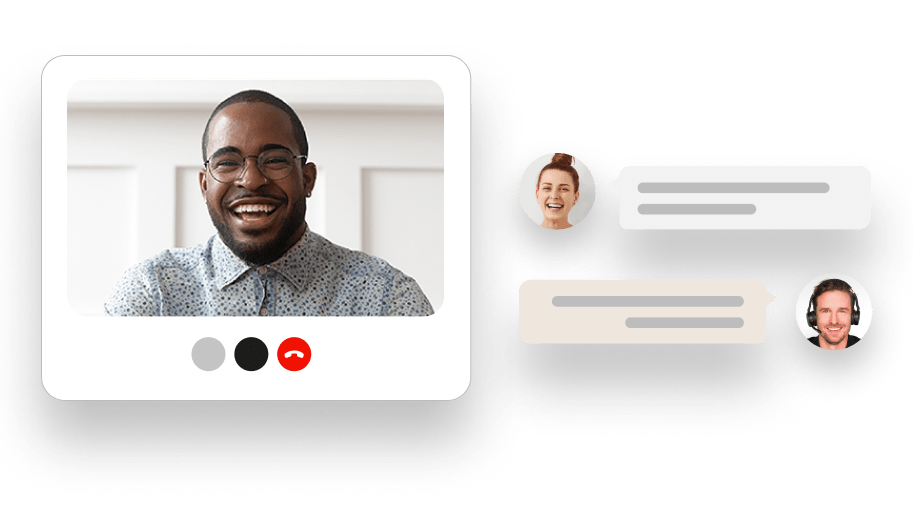

Host a live HR video conferencing session for onboarding and check-ins, switch to audio only when bandwidth is tight, or let someone dial in from an ordinary phone when they have no reliable internet at all. Free dial-in numbers are available in 15 countries, including the United States, Canada, the United Kingdom, Australia, and South Africa, so a distributed team can land in the same conversation at the same time.
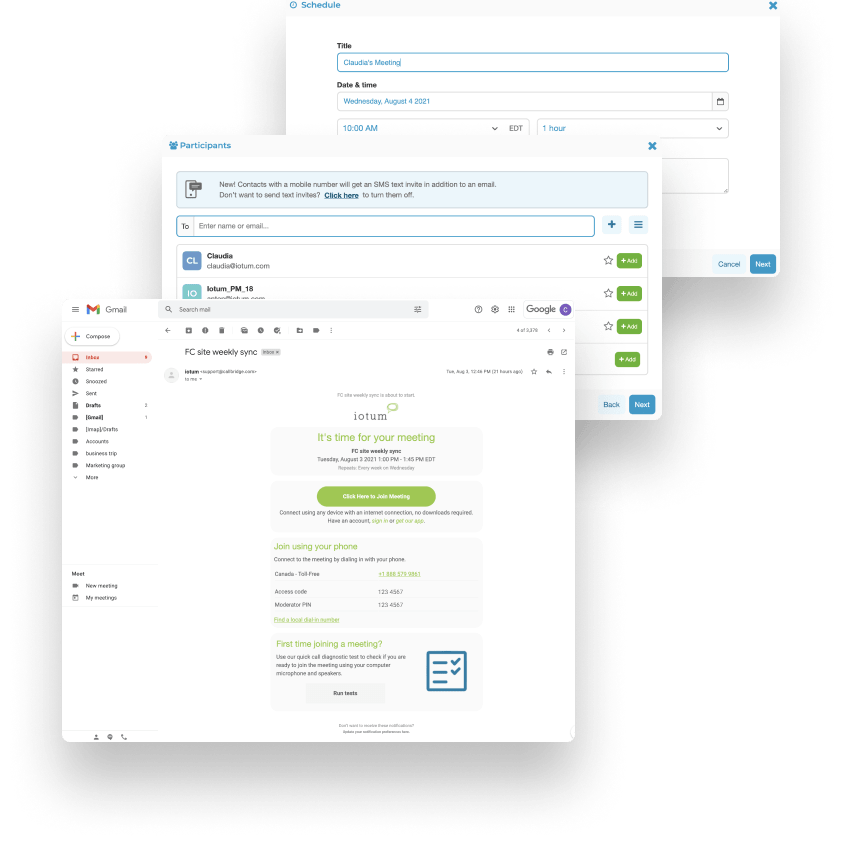

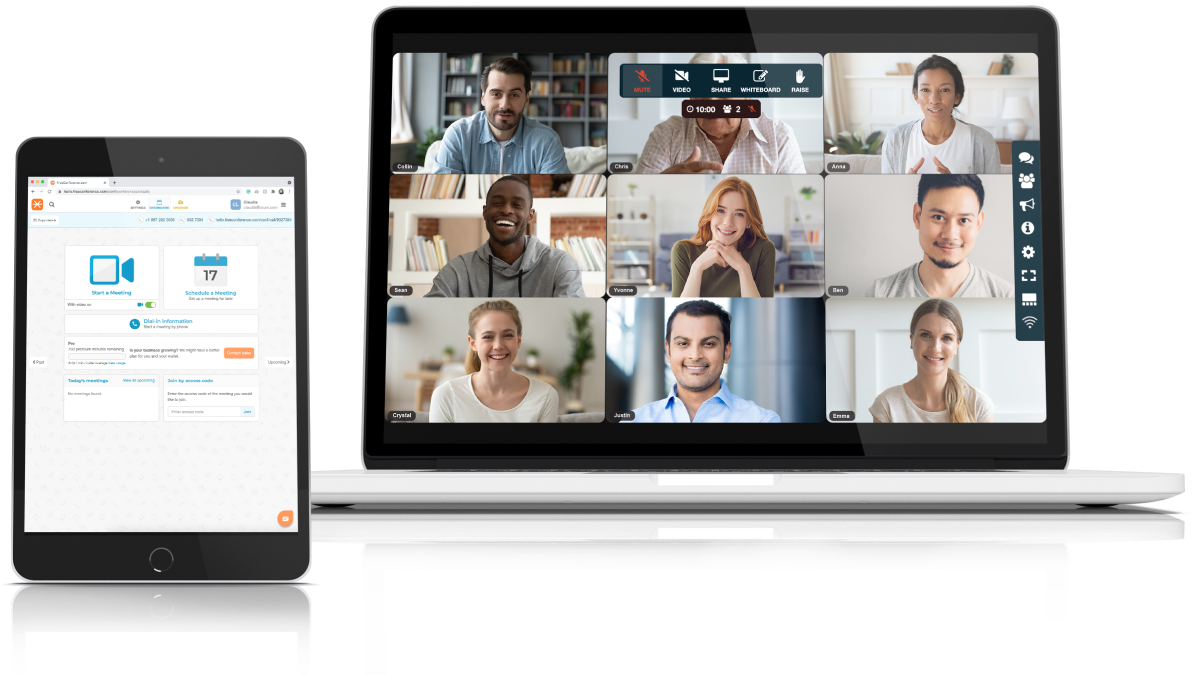
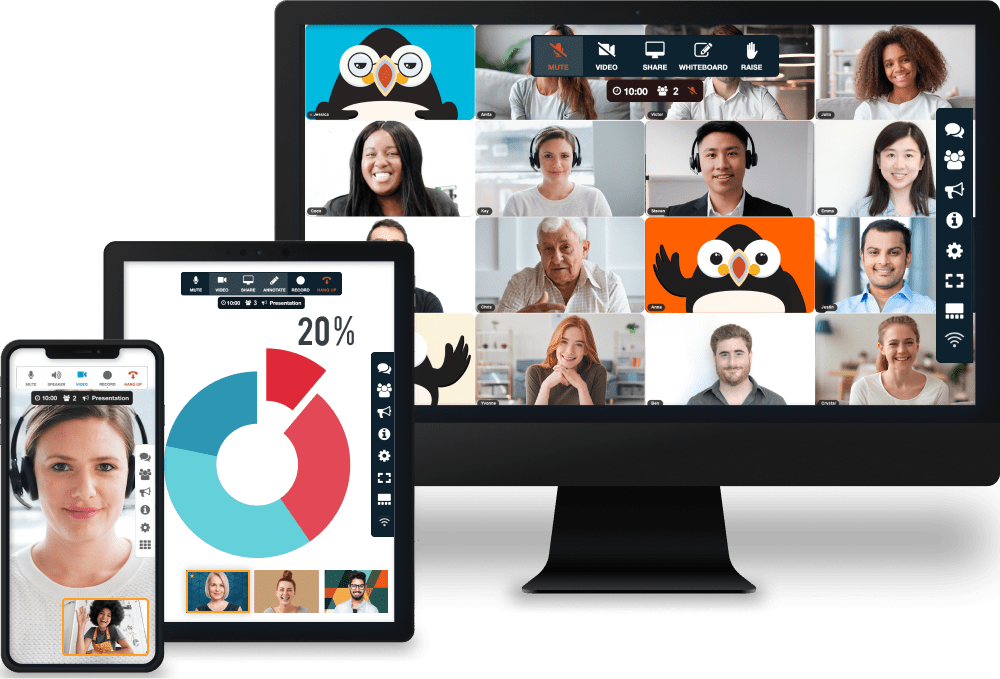
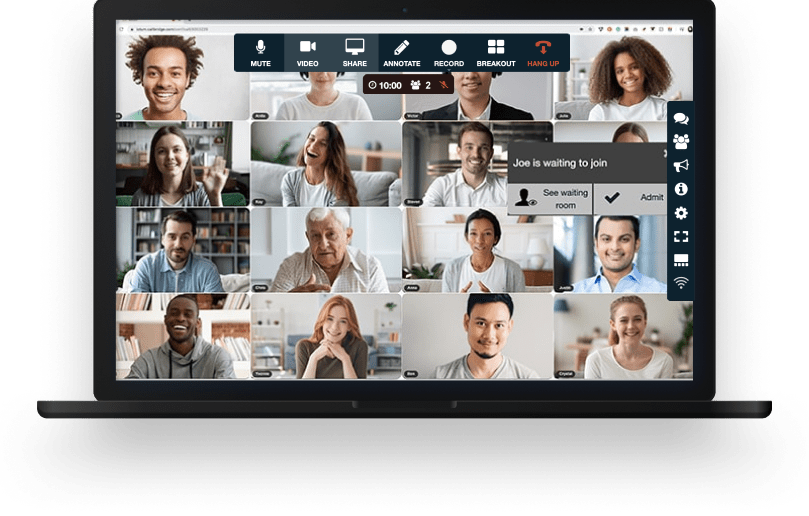
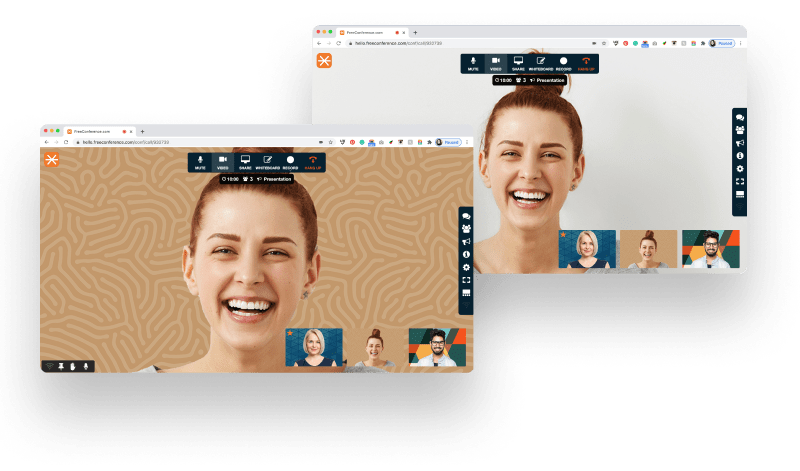
Your meeting comes with all the tools you need to make an engaging and uplifting experience.

Test your microphone, audio, video, and internet connection with the handy Call Diagnostic Tool.

Have participants join your session worldwide with numbers available in 20+ countries. Including Nigeria, Canada, and much more..

Keep your conference calls clear, uninterrupted and organized with moderator controls.

Upload your contacts for the fastest, easiest conference call set up ever.

At FreeConference, we’re always happy to help. Check out our FAQ page. Or if you can’t find what you’re looking for, create a ticket.
Pick on the five things an HR team feels every week:
FreeConference answers the first three with a browser-based join, DTLS and SRTP encryption plus a meeting lock, and no time limit. It covers up to 5 people on video for free (with 100 more on the phone line) and adds recording and 250-person sessions on a paid plan. Weigh any HR video conferencing against that same list and you will see where a free plan is genuinely enough.
No. Anyone you invite joins straight from a browser using the meeting link, with no account and nothing to install first. For HR, that removes a real point of friction. A nervous new hire, an outside candidate, or a frontline employee who rarely uses video tools can be in the room in one click instead of stuck at a sign-up screen. Setting up the meeting is just as light on your side, since you create it in seconds and open the room when it is time. That one-click join is a big part of why HR video conferencing software fits a busy team.
HIPAA compliance is a specific, separate requirement, and it is not something to assume from general encryption. FreeConference markets a HIPAA-compliant offering for healthcare rather than for general HR, so if your HR work touches protected health information (for example some benefits or accommodation records), review the FreeConference healthcare page and confirm the compliant configuration and a Business Associate Agreement with the vendor before using it for that data. For everyday HR conversations that are confidential but not protected health information, the encryption and meeting-lock controls above are the relevant protections.
FreeConference's video conferencing software for HR encrypts the audio and video between participants using DTLS and SRTP, the security protocols WebRTC uses, so a compensation talk, a performance review, or an exit interview stays protected in transit. A host can lock the room once everyone has arrived and use a one-time access code, so an uninvited person cannot slip in. FreeConference also does not sell your personal information. For a formal vendor-security review, point your team at the FreeConference privacy and security pages to confirm the specific controls you need.
On the free plan, up to 5 people can be on video at once, and up to 100 more can join by phone on the same call. That covers most HR meetings: a one-on-one, an interview, a small onboarding session, or a team check-in. For a full-team all-hands or an open-enrollment briefing where many people need to be on camera, the Pro plan raises the video limit to 250 on the web. The phone line stays generous throughout, so employees with weak internet can still take part.
Moderator controls put the host in charge of the flow. During a benefits Q&A, a training, or an all-hands, the host can manage who's speaking, keep background noise down, and guide the conversation so it doesn't dissolve into everyone talking at once - the kind of structure a large HR session needs to stay useful.
Those same controls double as a privacy safeguard for the sensitive end of HR work. A host can see exactly who is present, lock the room once the intended participants have arrived, and keep a confidential review or disciplinary conversation closed to anyone who wasn't invited.
FreeConference's video conferencing software for HR departments is built to bend around that. Before a meeting, anyone can run the free connection test, a quick diagnostic that checks their microphone, camera, audio, and internet, so problems get caught ahead of time instead of derailing the first five minutes of an onboarding session. If a connection still cannot carry video, that person can switch to audio or dial in from an ordinary phone using a local number and stay in the same meeting as everyone else. You do not have to design an HR session around the least-connected person in the room.
Yes. FreeConference includes call scheduling, automated email invitations, and reminders, so a standing weekly one-on-one or a quarterly review cycle can be set once and left to run. Participants get the invite and a nudge before the meeting, which cuts down on the no-shows and reschedules that eat into an HR calendar.
Because it works alongside Google Calendar and Outlook, the meeting lands where employees already look for their day. The review shows up on the calendar, the reminder does the chasing, and HR isn't spending the morning re-sending links.
Yes. The same room that handles onboarding and reviews works just as well for the hiring side of HR - first-round candidate screens, hiring-committee panels, and final conversations with leadership. Candidates join by browser link with nothing to download, which keeps the experience simple for someone meeting your company for the first time.
Screen sharing lets a candidate walk through a portfolio or work sample while the panel watches live, and moderator controls help a hiring manager keep a multi-interviewer conversation orderly. For an HR team that would rather not run recruiting on a separate platform, keeping interviews in the same place as the rest of the employee lifecycle is one less tool to manage.
Nothing to begin. FreeConference's HR video conferencing software is free forever, with no credit card required and no contract, and the free plan already covers the core of HR work: video meetings, screen sharing, an online meeting room, scheduling, invitations, reminders, document sharing, meeting chat, and up to 5 people on video (plus up to 100 more who join by phone). Most day-to-day onboarding, one-on-ones, and team sessions fit inside that comfortably. Paid plans start at $9.99 a month and add recording, transcription, larger 250-person sessions, and extra meeting-security settings, so free video conferencing for HR is a real starting point rather than a locked trial.
Yes. For company-wide moments, the Pro plan supports up to 250 participants on the web, which covers most all-hands meetings, open-enrollment briefings, and organization-wide training. The host keeps control of the room with moderator tools, so a large audience stays manageable rather than turning into crosstalk.
The Pro plan also adds live streaming to YouTube, which is useful when an HR update needs to reach an audience larger than the meeting itself. Paired with recording, it gives HR a way to run the event live and still make it available to anyone who couldn't attend.